01
Drop one long video
Up to 2 GB in one file. Choose how many shorts you want and how long each one runs. That is the whole setup, and one minute of video costs one credit.
shortshort listens to the whole video, keeps the moments worth watching, reframes them on the speaker, captions every word, and posts them to YouTube (TikTok in early access) on the days you pick. Set it up once. Nothing to come back for.
Free to try, no card30 free credits · 1 per minutePublishes to YouTube, TikTok in early access
A real shortshort output. Yellow is the face the detector found, red the 9:16 crop, green the 4:5 crop. Both are worked out shot by shot, with nothing to set.
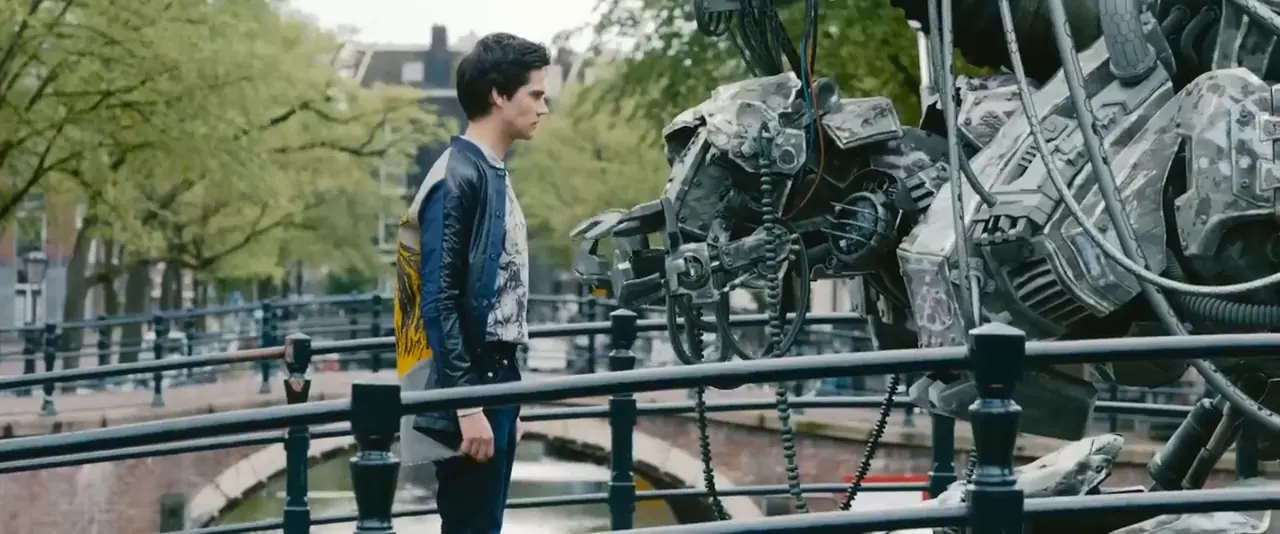
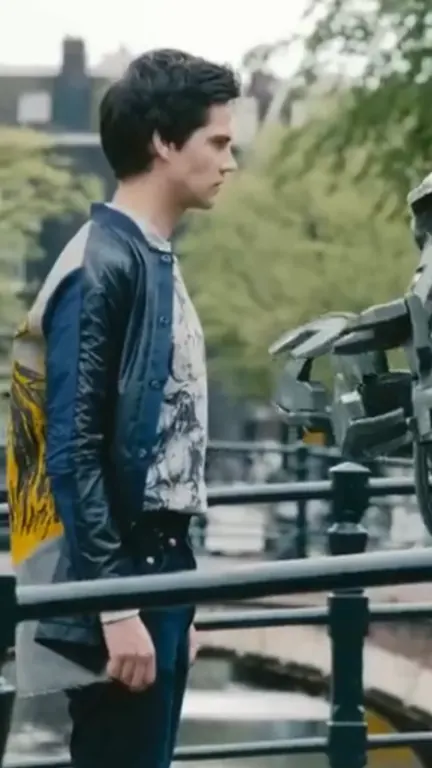
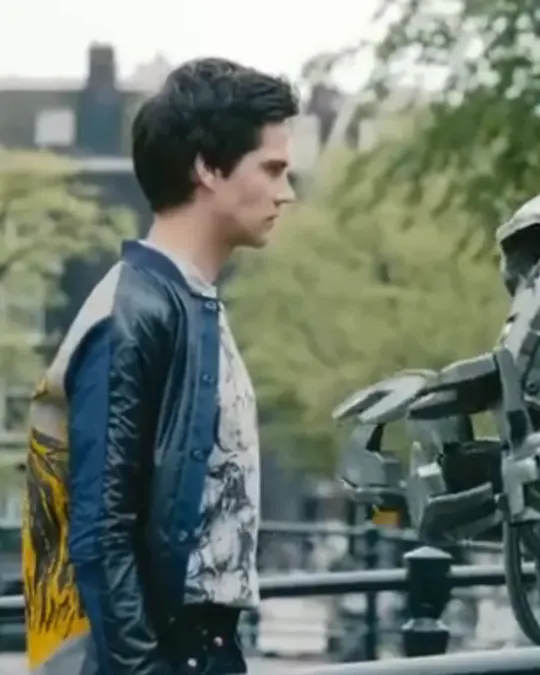
0:09 Wide shot. The face is small and off to the left: the robot is cut out, and 4:5 zooms in to ×1.4.
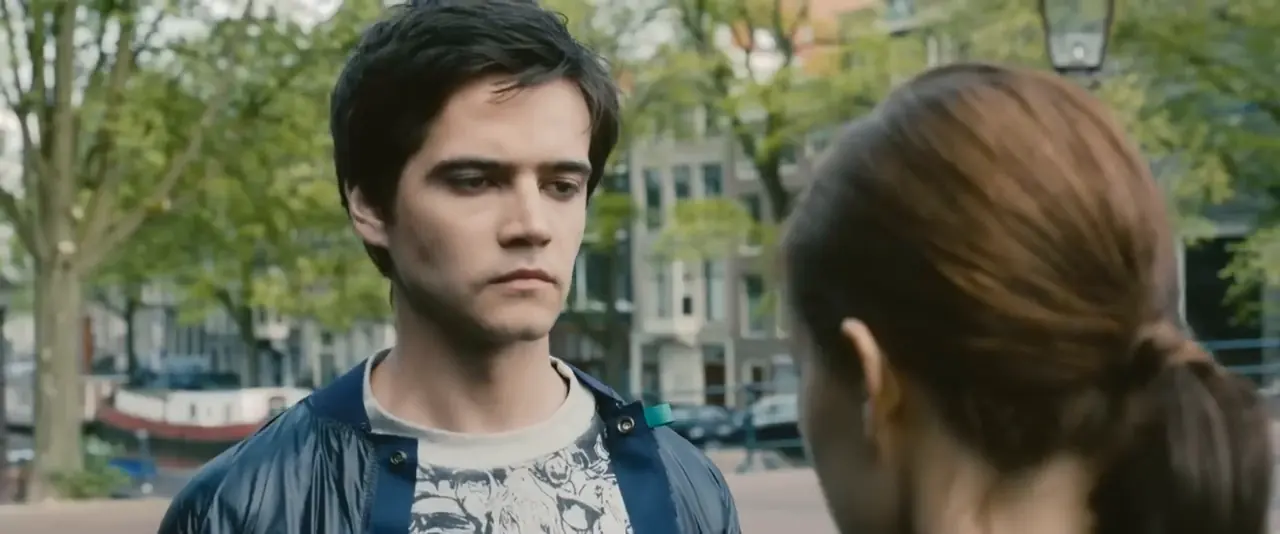
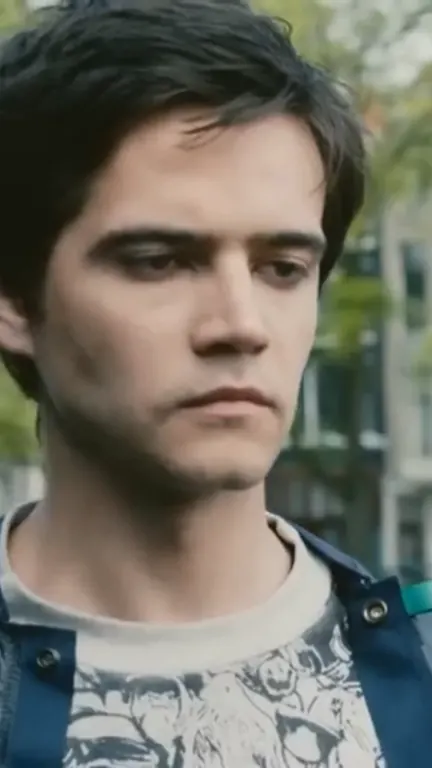
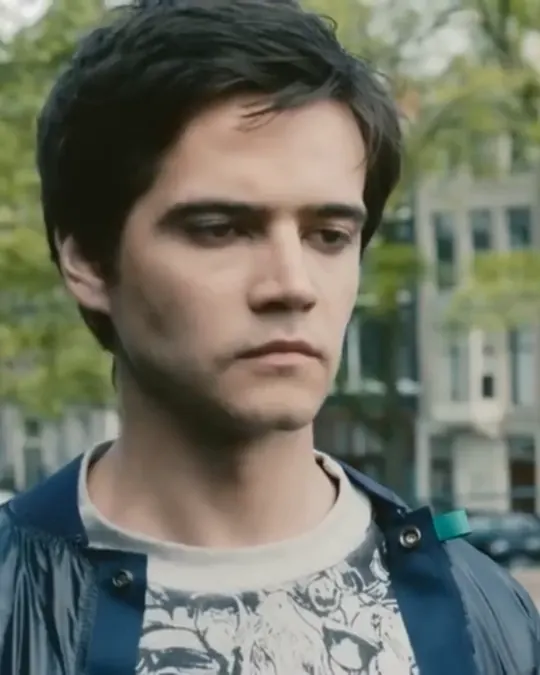
0:18 Two people, one face. The crops follow the face they found, not the middle of the picture.
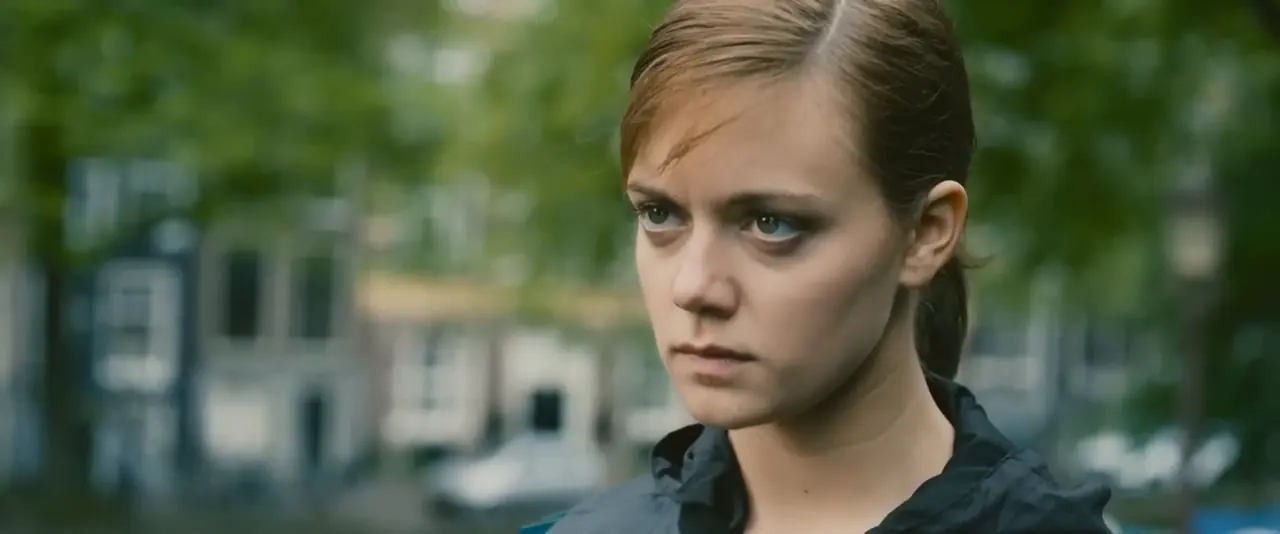
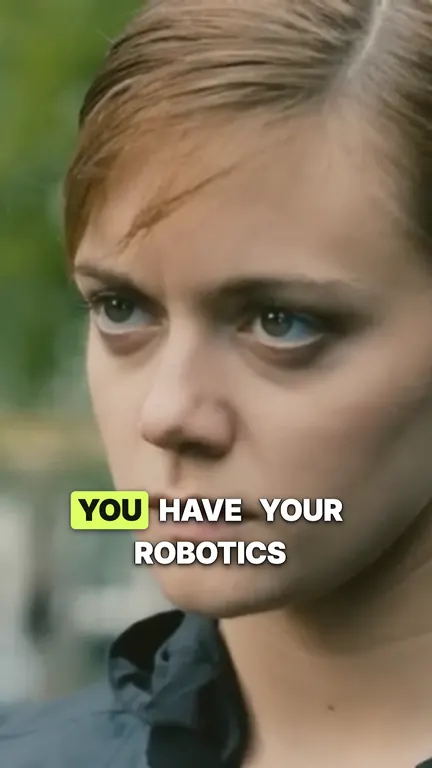
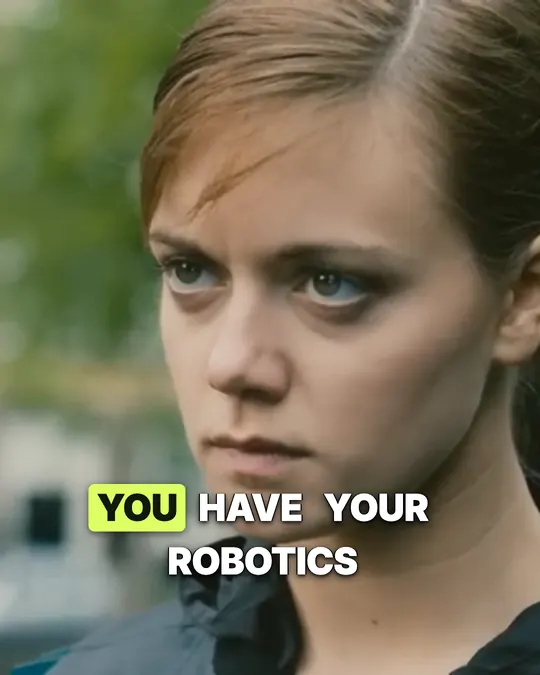
0:28 Close-up. Both crops hold the face, and the captions are timed on every word.
Scenes from Tears of Steel © Blender Foundation, licensed CC BY 3.0. Cut, cropped and captioned by shortshort.
Drop, generate, check, publish: about two minutes of your time; processing time depends on the video.
Up to 2 GB in one file. Choose how many shorts you want and how long each one runs. That is the whole setup, and one minute of video costs one credit.
shortshort listens to the whole video and keeps complete, quotable passages. With an account it runs on our servers: once the upload finishes you can close the tab.
Each passage is cropped to 9:16 and the frame follows the face on screen, with automatic zooms. Slides and wide shots stay full-frame, all of it automatic.
Every word is timed on the audio. Four styles to choose from: Spotlight, the default, lights up the word being said in uppercase.
Connect your YouTube channel once. Each short goes out on the day and time you pick, with a title and description written in the language you choose, or shortshort fills the calendar for you. TikTok is in early access. Every MP4 also lands in My projects, ready to download.
Recent videos and the shorts they became.
Short answers, with the numbers.
Yes, a free account, which starts with 30 credits, no card. It runs the AI analysis, opens the editor and exports the MP4. Every short is a proposal from the AI whose clips, title, description and captions you can edit before you export it.
Up to 2 GB per upload, in MP4, MOV or WebM. The file size is what usually limits: how many hours fit in 2 GB depends on the bitrate, and a recording over 2 GB can be re-exported at a lower bitrate or resolution.
Yes. Every account starts with 30 credits, one credit being one minute of source video, with up to 3 shorts per video and a small watermark on the export. Paid plans remove the watermark and allow 5, 10 or 20 shorts per video.
Yes, the face on screen. Face and scene tracking keep the 9:16 crop on the most visible face and move it with that person, with automatic zooms between x1.0 and x1.6. It does not tell who is speaking, so in a two-person shot the crop can stay on the listener. Slides, screens and wide shots are kept full-frame, and there are no manual framing controls.
Four, all timed on the audio word by word. Spotlight, the default, is uppercase and highlights the word being said. Impact highlights one bold word per line. Karaoke keeps the whole line on screen and lights up each word as it is spoken. Minimal keeps plain, readable text.
Yes, on YouTube. Connect your channel on the Publish page, then pick a day and time for each short, or let shortshort spread every exported short over the coming weeks, with titles and descriptions in the language you choose. TikTok publishing is in early access. Instagram is not connected: those MP4s you download and post yourself.
The transcription, the choice of moments and the captions follow the language spoken in the video, and captions are never translated. Each short's words are transcribed by OpenAI's whisper-1, which OpenAI says supports 98 languages. The interface and the titles the AI suggests are in English; you can rename any short.
Source videos, shorts and account data are stored by Supabase in the EU (Frankfurt), and shortshort is operated from France. The AI analysis is the exception: the video or its transcript goes to Google Gemini or OpenAI, outside the EU, and the Google file is deleted when the job ends. Shorts you schedule are uploaded to YouTube.
Your upload and your drafts stay private until you export. An exported short is published to the community gallery by default, with its full source video and the transcript of the short. Any account can withdraw a published short at any time, and every paid plan adds an account setting that keeps all your shorts out of the gallery.
In three sentences, with the numbers.
shortshort is an AI clip maker, a web app that turns one long video, up to 2 GB, into vertical shorts cropped to 9:16, each aimed at a length you choose between 15 and 90 seconds and finishing within 25% of it: up to 3 per video on the Free plan and 20 on the Studio plan.
shortshort transcribes the video word by word and selects passages that form complete sentences, then checks each short's ending against the words, so a short runs up to 25% shorter or longer than its target rather than cutting a thought in half.
shortshort captions every word in one of four styles, Spotlight, Impact, Karaoke or Minimal, exports each short as an MP4 in 9:16 at 1080 x 1920 or, reframed for the Instagram feed, in 4:5 at 1080 x 1350, and can publish the 9:16 shorts to a YouTube channel on the day and time you choose; TikTok publishing is in early access.
Free to try, no card. Up to 3 shorts per video on the Free plan, 20 on the Studio plan.